
It’s not an exaggeration to say iOS 11 is one of the biggest updates to Apple’s mobile OS yet. This is especially true if you’re an iPad user, thanks to numerous improvements to multi-tasking and app switching that help the OS approximate the functionality of a desktop environment.
To name a few new features: There’s a revamped control center, looping live photos, support for augmented reality, P2P payments in Apple Pay and – at long last – a proper file manager with folders and all. For more on all the features coming to iOS, check out our feature roundup here.
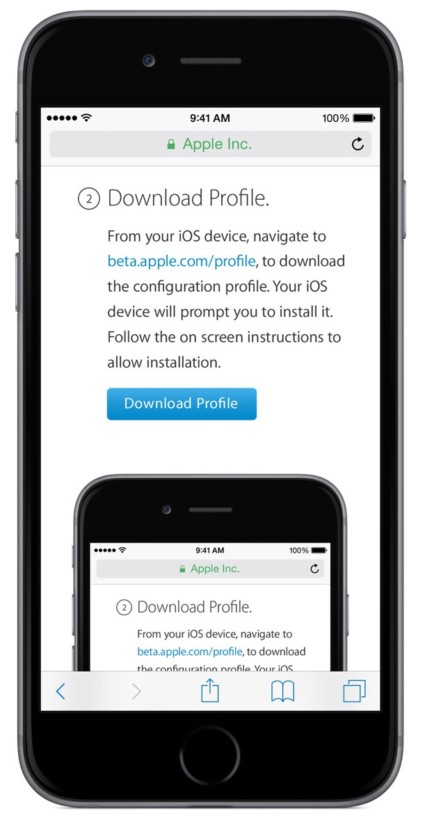
Downloading the public beta is simple enough. Just head to beta.apple.com, tap sign up, and enter your Apple ID. Once you’ve signed up for the beta program, head to beta.apple.com/profile with your iOS device to download and install the the configuration profile. This will also trigger your device to look for future public betas as well.
Though iOS 11 was made available to developers right after it was announced at WWDC, Apple normally takes some additional precautions to make sure the public betas are stable enough for regular use. Your average consumer – even the nerdier ones who would be interesting in beta software – is much less likely to have a secondary device for testing than a developer.
If you don’t mind putting up with the occasional bug or two – I’ve had no issues running the developer beta on an iPad Mini 3 so far – iOS 11 is well worth your time.
Comments
Post a Comment